Finding a house can mean scrolling through rental listings on your phone during a lunch break, comparing homes for sale with a partner, or trying to judge an unfamiliar neighborhood from far away. The right app depends on what you're looking for: a long-term rental, a home to buy, a temporary place to stay, or a house-sitting arrangement that can replace a conventional booking.
For renters, details such as pet rules, fees, lease terms, and availability matter as much as photos. Buyers may care more about listing updates, floor plans, agent access, and neighborhood context. If you're moving for remote work or traveling with a pet, you'll also need to confirm practical details directly rather than relying on attractive listing photos.
This guide compares the best apps to find a house by the job each one does. Use broad marketplaces to scan options, rental-focused apps to narrow a lease search, and agent-led or direct-seller platforms when you want support with the transaction. If you're researching rental platforms from the owner's side, this guide to the best rental listing websites for landlords covers a related part of the process.
1. Zillow
Zillow is a strong starting point when you want one app for a broad U.S. search across homes for sale and rentals. Its buyer tools extend beyond browsing: AI Mode supports conversational searches and scenario planning, while the personalized buyer hub brings together next steps and BuyAbility affordability estimates. Depending on the listing, you can also use Zillow to explore tours, contact agents, review mortgage options, or handle rental applications and payments.
That breadth makes Zillow useful for moving from early research toward action without switching platforms for every task. The limitation is that not every listing supports the same transaction features, and a Zestimate shouldn't be treated as a verified valuation, especially for a home that isn't currently listed.
- Best for: Buyers and renters who want broad inventory and several search-related tools in one place.
- Watch for: Estimates that don't reflect a property's current condition or local details.
Zillow's scale is useful for scanning a market, but it doesn't remove the need to verify availability and details with the listing contact. For a rental in Spain, compare the app's conventional listings with other Spain vacation home options, especially if your stay is temporary rather than a standard lease.
Explore the Zillow home-search platform to browse homes for rent or sale.
2. Redfin
Redfin suits buyers who want to search a map, follow listing changes, and move quickly toward a tour. You can draw a search area on the map, save searches, and receive alerts. Listing pages also support scheduling live or virtual tours, while Favorites and shareable Favorite Lists make it easier to compare homes with a partner, family member, or agent.
That combination helps when you're actively looking and need to keep track of homes as their status or price changes. Redfin's brokerage connection can also make it convenient to contact an agent through the search process. Still, features vary by market and platform, so don't assume the desktop and app experience will be identical everywhere.
Practical rule: Use alerts to spot changes, then confirm the home's current status with the agent before arranging travel or a viewing.
Redfin works best as a focused search and touring tool, not as proof that a listing is still available. If you're comparing short-stay options alongside a purchase or rental search, this guide to the best travel accommodation websites can help you separate temporary lodging from a long-term housing decision.
Visit Redfin's home-search platform to search listings and arrange tours where available.
3. Realtor.com
Realtor.com is a useful choice when you want filters, listing research, and agent collaboration in one place. Its MLS-partner listing coverage supports home searches, while tools such as RealAssist AI guidance and the My Home dashboard add planning context. You can personalize searches and share listings with an agent to discuss options.
The app makes sense for buyers who want more than a quick browse. Market-timing and equity views can help organize research, though the depth of local information varies, and some features are designed for agents or may reach consumers gradually. Treat those tools as decision support, not a substitute for checking property details, costs, and availability.
- Best for: Buyers who want to research listings and coordinate with an agent.
- Watch for: Differences in local data and feature availability.
Realtor.com can also be a second source when you're validating a home found elsewhere. That's useful because a portal's listing coverage doesn't guarantee that every property detail is current or complete. If your plan is a holiday stay rather than a purchase or standard rental, compare that search with holiday accommodation services before choosing a platform.
Start searching on Realtor.com and share promising listings with your agent.
4. Homes.com
Homes.com is built around home discovery with a strong emphasis on the listing agent and the surrounding area. You can browse homes for sale, rentals, off-market properties, and sold listings, then use collaboration tools to save options, add notes, or message others involved in the search. Neighborhood and school information curated by in-house researchers can help buyers compare locations as well as properties.
That combination is particularly useful when more than one person needs to weigh in. A couple can save candidates and record questions, while an agent can help arrange follow-up on a listing. Direct access to listing agents may be useful for questions or showings, but agent-oriented messaging can feel prominent if you'd rather research independently.
Homes.com's coverage and photo detail can vary by region, so don't treat a polished listing page as a full picture of the home. Ask about condition, availability, fees, and any details that affect your decision, especially if you're searching from a distance.
- Best for: Collaborative home shopping and buyers who value area context.
- Watch for: Regional differences in listing coverage and photo detail.
Browse Homes.com to compare listings and use its shared-search tools.
5. Trulia
Trulia puts neighborhood context close to the property search. Its map-based browsing includes local information such as schools and amenities, alongside home details, photos, open houses, and agent contact. Saved searches and push alerts can help you keep track of homes while you explore an area you don't know well.
That makes Trulia a useful companion when the location is as important as the property. A home can look right in photos and still be a poor fit for your daily routine, so use the map to investigate nearby services and then verify the details that matter to you in person or with someone local.
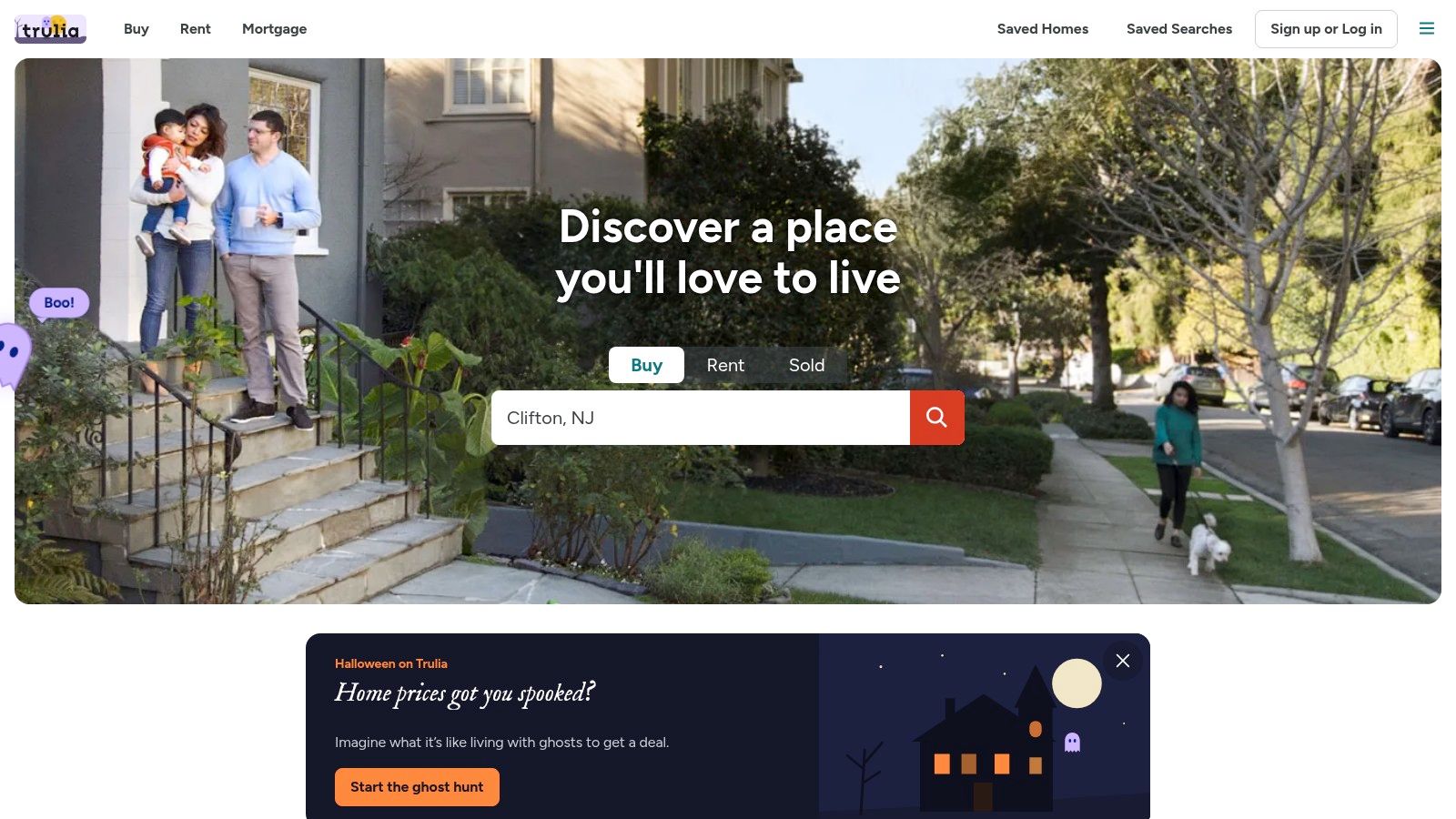
Trulia no longer offers crime-map layers, and its inventory may be less extensive than that of its sister brands in some areas. Don't rely on one app to judge a neighborhood or confirm listing availability. Use it for orientation, then check current local information and contact the listing agent directly.
- Best for: People moving to an unfamiliar neighborhood who want local context.
- Watch for: Missing crime-map layers and market-by-market differences in inventory.
Open Trulia to explore homes alongside nearby amenities and schools.
6. Apartments.com
Apartments.com is a rental marketplace that includes single-family homes and townhomes alongside apartments. That makes it a practical option if you want to rent a house, compare different rental types, or try a neighborhood before deciding whether to buy. Detailed filters and unit-level information can help narrow the search, and many listings include 3D or virtual tours.
The tour and application experience depends on the property. Some listings support scheduling, applications, leases, or payments through the platform, but those tools aren't universal. Read the listing carefully and ask the property manager which steps the app handles and which you'll need to complete directly.
For remote workers or pet owners, don't stop at the tour. Confirm internet arrangements, pet restrictions, added charges, lease length, and move-in terms with the landlord or manager. A virtual walkthrough can show the layout, but it can't establish whether the space suits your work routine or whether the property's rules fit your household.
A tour helps you judge the layout. It doesn't replace written confirmation of lease terms, pet rules, or total costs.
Apartments.com is focused on rentals, so buyers should use a purchase-oriented platform instead. Visit Apartments.com to search houses, apartments, and townhomes for rent.
7. Zumper
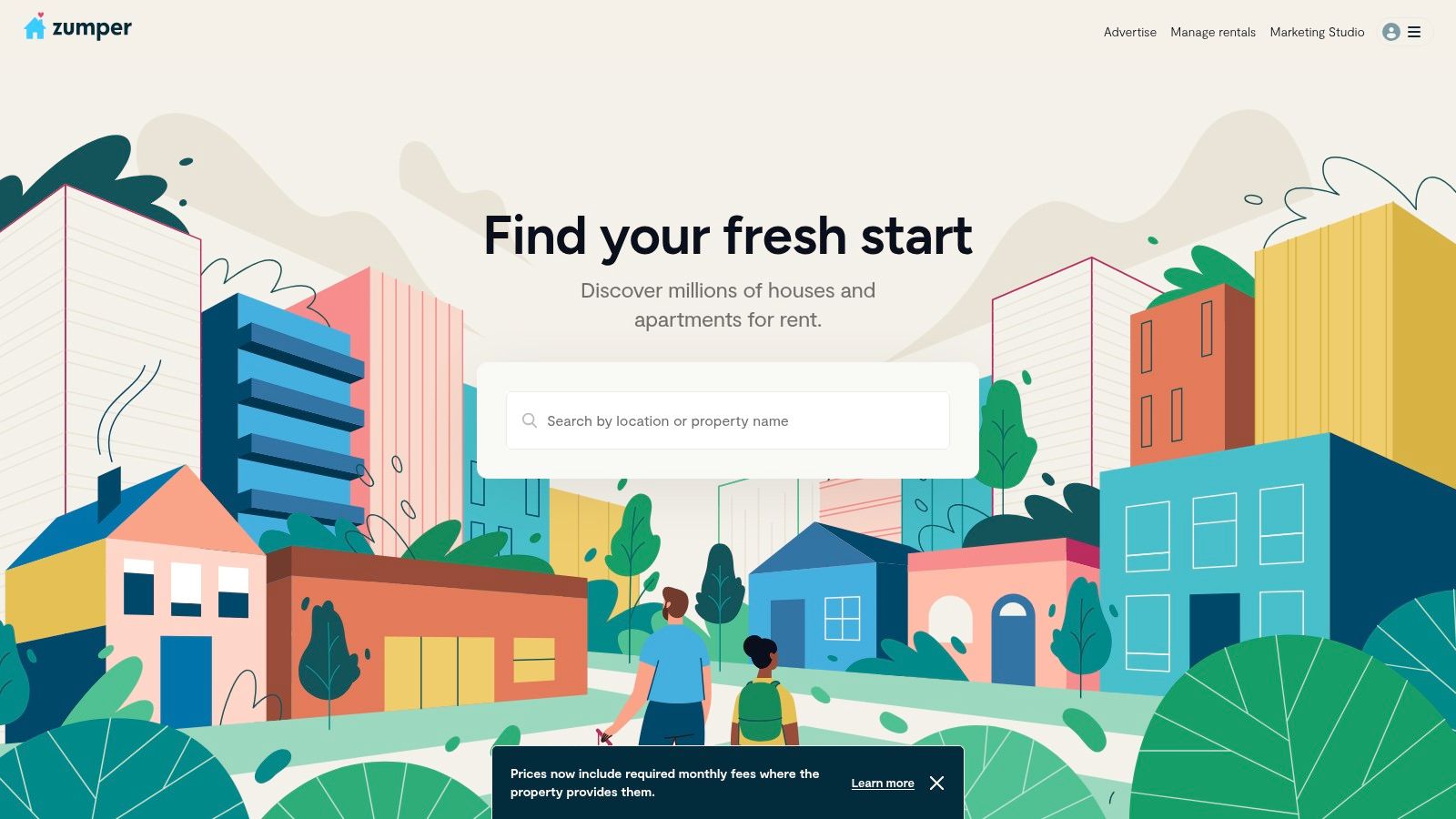
Zumper is designed for renters, with filters for pet-friendly homes, furnished places, and short-term rentals. Those options make it a good fit if you're relocating, traveling, or trying to find a flexible place without wading through a purchase-focused marketplace. In select areas, concierge or chat support can help coordinate tours, while AI tools provide rent-trend context and answers about listings.
For pet owners, the pet filter is a starting point, not final approval. Confirm permitted animals, fees, and any restrictions with the landlord or property manager before paying or making plans. Inventory depth varies by market, so a promising search in one city may return fewer useful options in another.
Zumper emphasizes safety guidance and avoiding pay-to-message scams, but no app can make every listing or contact trustworthy. Verify the property and the person offering it, use the platform's reporting process if something seems wrong, and be wary of pressure to send money before you've confirmed the details.
- Best for: Renters seeking pet-friendly, furnished, or short-term options.
- Watch for: Local inventory gaps and unverified listings.
See available options on Zumper and confirm important terms directly before committing.
8. StreetEasy
StreetEasy is the specialist option for New York City renters and buyers. Its NYC-focused filters and building-level details help you compare homes in a market where the building, floor plan, and listing history can matter as much as the unit itself. Saved searches can surface status and price updates, and StreetScape offers augmented-reality exploration on iOS.
That local focus is its main advantage and its main limitation. StreetEasy is much less useful outside New York City and nearby areas, so it shouldn't be your default app for a search elsewhere. Even in its core market, cross-check listings and details when you're making a serious decision.
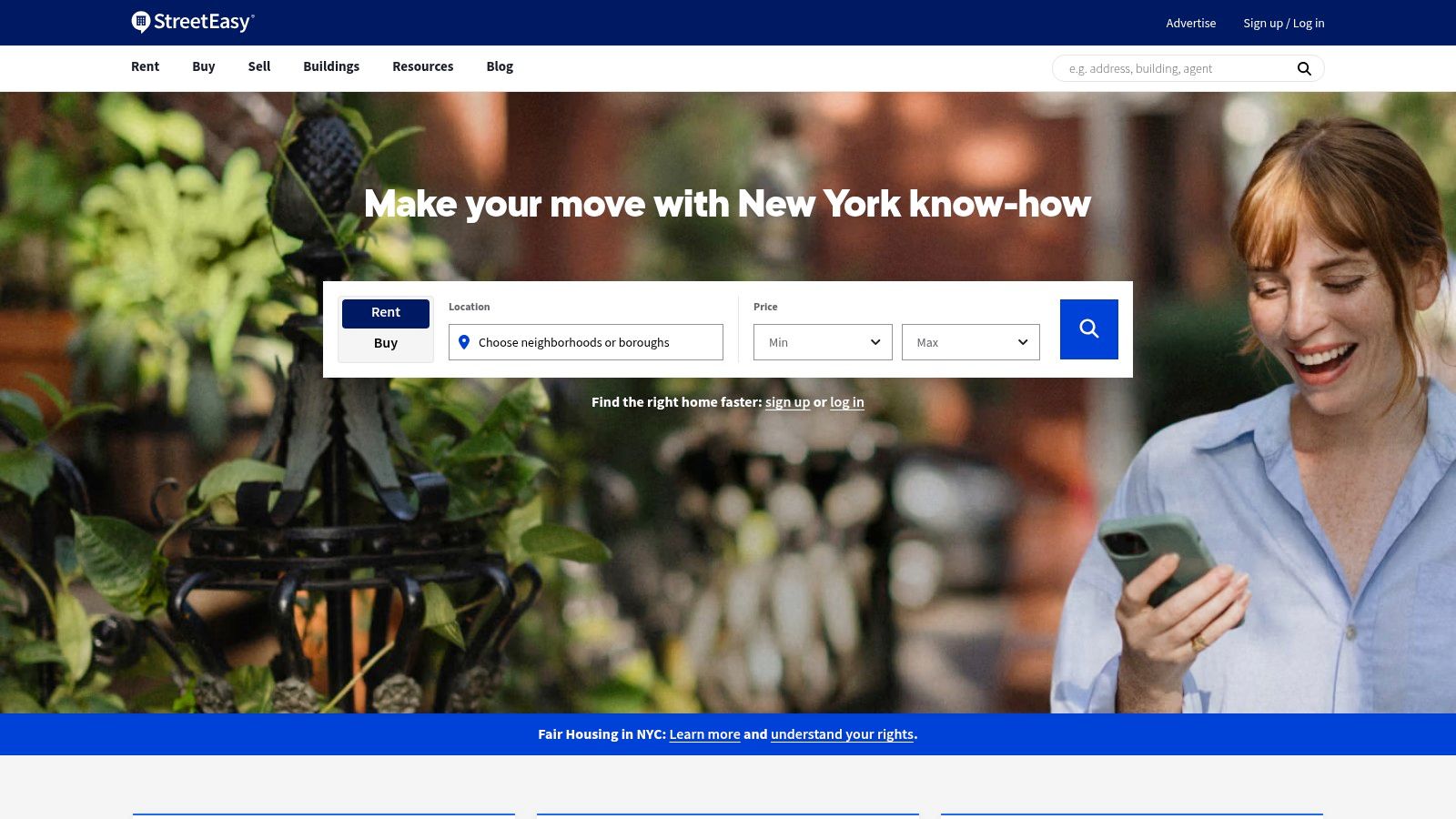
A building's history and floor plan can help you compare homes, but they won't answer every practical question. Ask about current availability, property condition, building rules, and any costs that could affect your choice. If you're searching from outside the city, arrange a live walkthrough or get help from someone who can verify what the listing shows.
Browse StreetEasy for New York City homes for sale and rent.
9. Compass
Compass is an agent-led option for buyers who want a more guided search and transaction experience. The app combines MLS search with curated collections and agent messaging, while Compass One brings timelines, tasks, and transaction visibility into a shared dashboard. Agent-supported tools can cover tours, offers, electronic signing, and vendor services.
This setup is useful when you want an agent to help organize the process, especially in a market where Compass has a strong presence. It's less suited to a purely do-it-yourself search than Zillow or Redfin because the experience depends on your agent and local coverage. If you prefer to browse without an agent relationship, start with a broad consumer marketplace instead.
For buyers, the benefit is continuity: a home you discover can move into a conversation about touring and next steps within the same agent relationship. Still, review documents and costs carefully, and ask your agent what the app manages versus what you need to handle separately.
- Best for: Buyers who want agent collaboration and transaction visibility.
- Watch for: A search experience that depends on local availability and agent involvement.
Use Compass to search homes and coordinate with an agent.
10. Opendoor
Opendoor offers a different route from a broad listing portal: the app lets users browse and buy homes owned by Opendoor. Its self-guided tour scheduling can reduce the back-and-forth of arranging a viewing, and Opendoor Checkout supports an app-centered offer process with an agent optional. The platform also provides information about where its homes are available.
The tradeoff is inventory. Opendoor only shows its own homes, so it isn't a replacement for an MLS search or a broad marketplace. The choice of properties also varies by market, which means you may find a convenient tour process but few homes that match your needs.
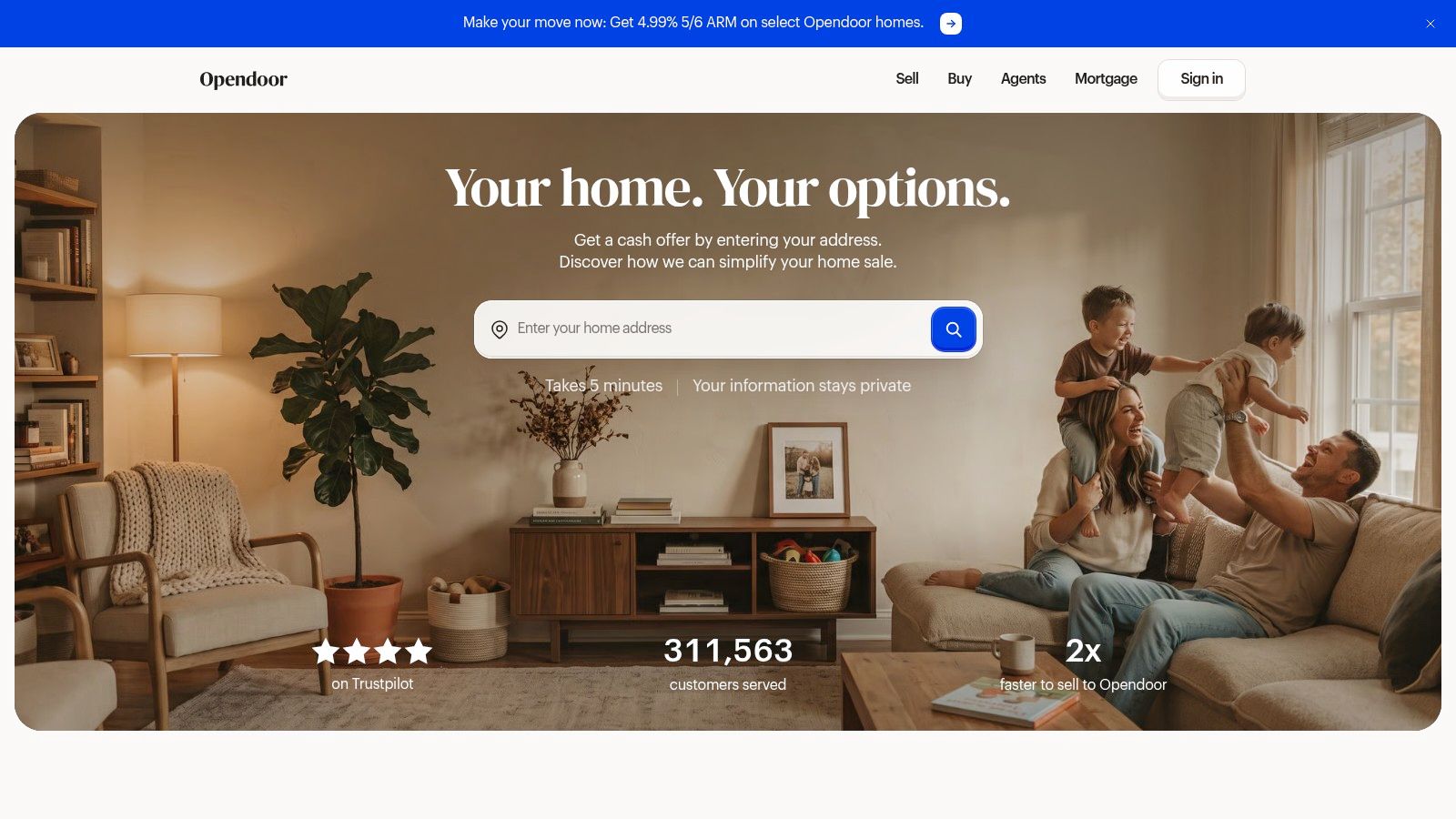
Use Opendoor when one of its homes fits your search and you value flexible access. Compare the property with other listings, inspect it carefully, and review the offer and transaction terms before proceeding. The self-tour option makes access easier, but it doesn't replace due diligence.
See where homes are available through Opendoor.
Top 10 House-Finding Apps: Feature Comparison
| Platform | Market Focus | Standout Features | Best For | Key Limitation |
|---|---|---|---|---|
| Zillow | U.S. homes for sale and rent | AI search, affordability estimates, tours, financing tools | Broad browsing and next-step support | Estimates may be inaccurate; features vary by listing |
| Redfin | Homes for sale and rent in many U.S. markets | Listing alerts, map search, tour scheduling, agent access | Buyers who value timely updates and agent support | Features vary by market and platform |
| Realtor.com | MLS-partner listings | Detailed filters, AI guidance, agent collaboration | Buyers researching listings and coordinating with an agent | Data depth and feature availability vary by area |
| Homes.com | Homes for sale, rent, and off-market | Neighborhood research, shared search dashboards, agent contact | Collaborative home shoppers | Coverage and listing detail vary by region |
| Trulia | Homes for sale and rent | Neighborhood details, map browsing, saved-search alerts | People comparing lifestyle and location | Neighborhood data varies; crime-map layers are unavailable |
| Apartments.com | Apartments and rental homes | Rental filters, virtual tours, applications on some listings | Renters seeking apartments or houses | Focused on rentals; tools vary by listing |
| Zumper | Apartments and houses for rent | Pet-friendly and short-term filters, AI tools, tour coordination | Renters seeking flexible or pet-friendly housing | Inventory varies; verify listings before paying |
| StreetEasy | New York City homes and rentals | Building details, floor plans, property history | NYC buyers and renters | Limited usefulness outside the NYC area |
| Compass | Homes for sale in supported markets | Agent messaging, curated listings, transaction dashboard | Buyers wanting a guided, agent-led process | Experience depends on agent and market |
| Opendoor | Opendoor-owned homes | App-scheduled self-tours and online offer process | Buyers seeking flexible tours and a streamlined process | Limited to Opendoor's available inventory |
Choose by Search Situation, Not App Reputation
Pick the app based on the decision in front of you. Zillow, Realtor.com, and Trulia are useful for broad home discovery, but each serves a different purpose: Zillow combines broad browsing with buyer and rental tools, Realtor.com supports research and agent collaboration, and Trulia gives more attention to neighborhood context. Cross-check important details across platforms, then confirm availability with the listing contact.
For a rental, start with Apartments.com or Zumper. Apartments.com includes houses, townhomes, and apartments, while Zumper's filters can help renters look for pet-friendly, furnished, and short-term options. Neither filter replaces written confirmation. Ask about pet policies, added costs, lease terms, utilities, and cancellation conditions before you commit, particularly if you're arranging a move from another city.
Buyers who want an agent-led process can consider Compass, while Opendoor is worth checking when you're interested in its own homes and app-based self-tours. Redfin can help buyers follow listing updates and arrange tours, and StreetEasy is the specialist choice for a New York City search. If you're searching through MLS listings in the Chicago area, use this guide to search MLS directly for Chicagoland homes.
A beautiful listing is not proof that the home, owner, or payment request is genuine. The Federal Trade Commission recorded nearly 65,000 rental-scam reports and approximately $65 million in reported losses from 2020 through June 2025, and said about half of reports in the 12 months ending June 2025 began with fake Facebook advertisements (FTC rental-scam data). Verify the address and the person offering the property, ask for a live or video tour when you can't visit, get the agreement in writing, and don't send money before you've confirmed who you're dealing with.
If you need temporary housing rather than a conventional rental or purchase, don't force a home-search app to solve a different problem. Global Pet Sitter is a community-driven house- and pet-sitting marketplace where members create profiles, share sit dates and pet details, message potential matches, and build trust through reviews and communication. That can suit travelers and remote workers who are open to caring for pets in exchange for a place to stay. Confirm the arrangement, expectations, and dates directly with the other member before making travel plans.
If you're looking for a temporary stay that includes caring for pets in their own home, Global Pet Sitter connects pet owners and sitters through member profiles, messaging, sit details, and reviews. Create a profile, browse opportunities that fit your dates, and contact potential matches to discuss the pets and household before you travel.
Please sign in to leave a comment
